
Browse free
Anyone can search aircraft, parts, aviation real estate, services and jobs. No account is needed to look.
Find what you need. Showcase what you offer. Every step of browsing, connecting and listing on Track A Plane, explained.
Anyone can search aircraft, parts, aviation real estate, services and jobs. No account is needed to look.
Inquiries are sent through Track A Plane’s contact forms. Sellers’ email addresses and phone numbers are not shown on their listings.
Choose a free or paid listing, a dealer account for several aircraft, or a Parts Exchange inventory plan.
Track A Plane is an online marketplace and advertising platform. It does not own, sell, broker, inspect or guarantee the items listed. Buyers and sellers complete their own transactions and due diligence.
Four steps from your first search to a safe conversation with the seller.
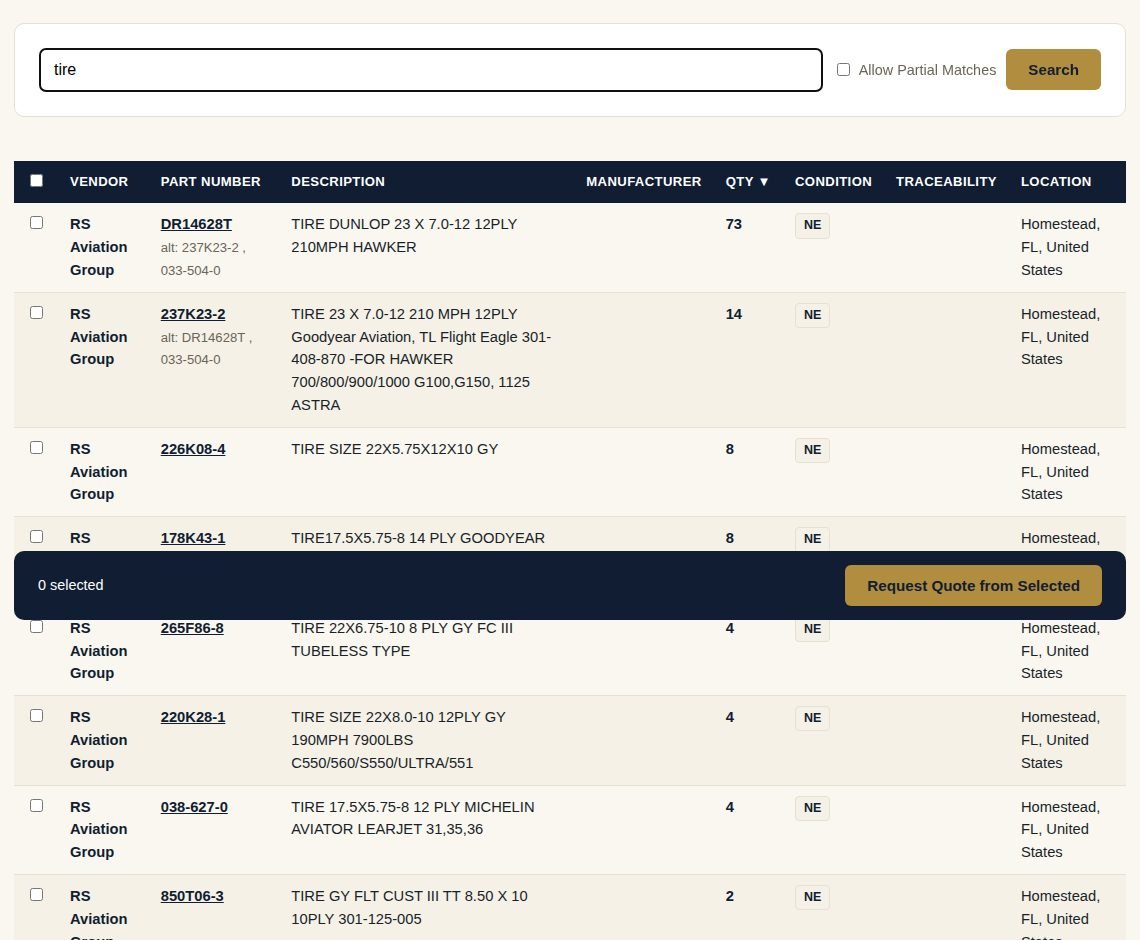
Browse a category, or search parts by part number.
Open Aircraft, Real Estate, Services or Jobs from the menu, or go to the Parts Exchange.
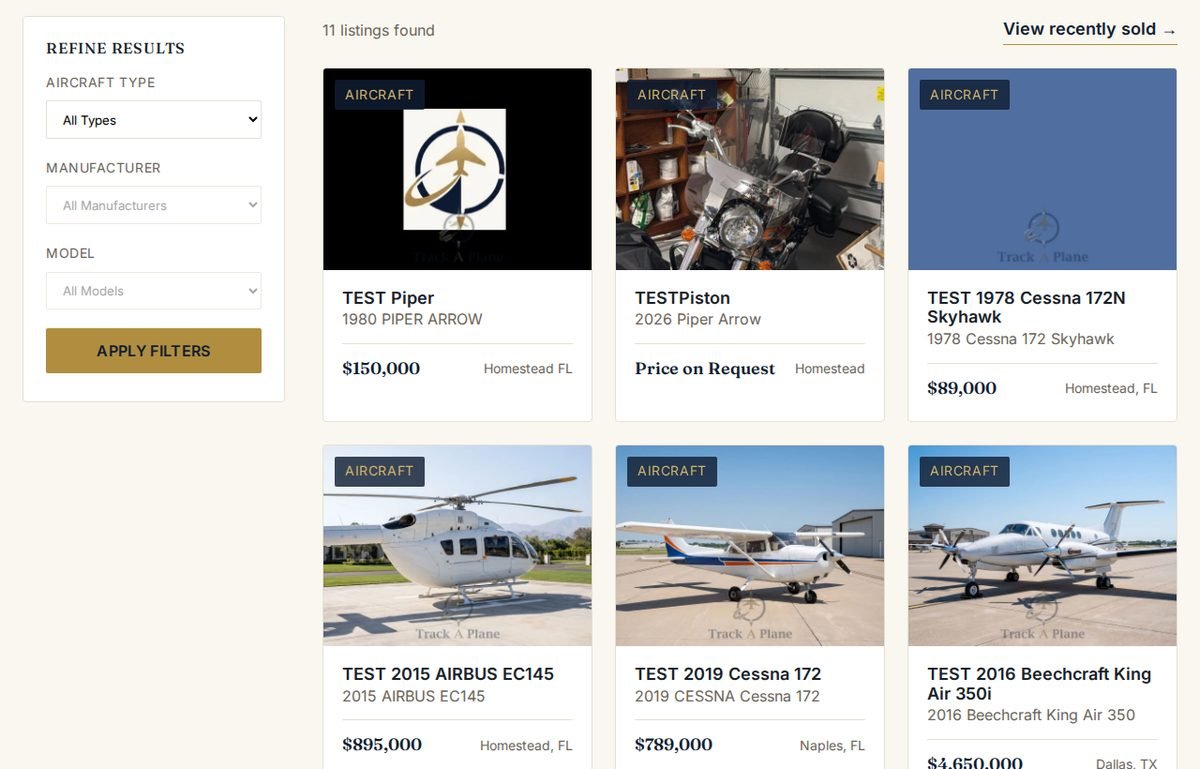
Read the listing, the documents and the seller’s page.
Each listing shows photos, the description, specifications and the asking price.
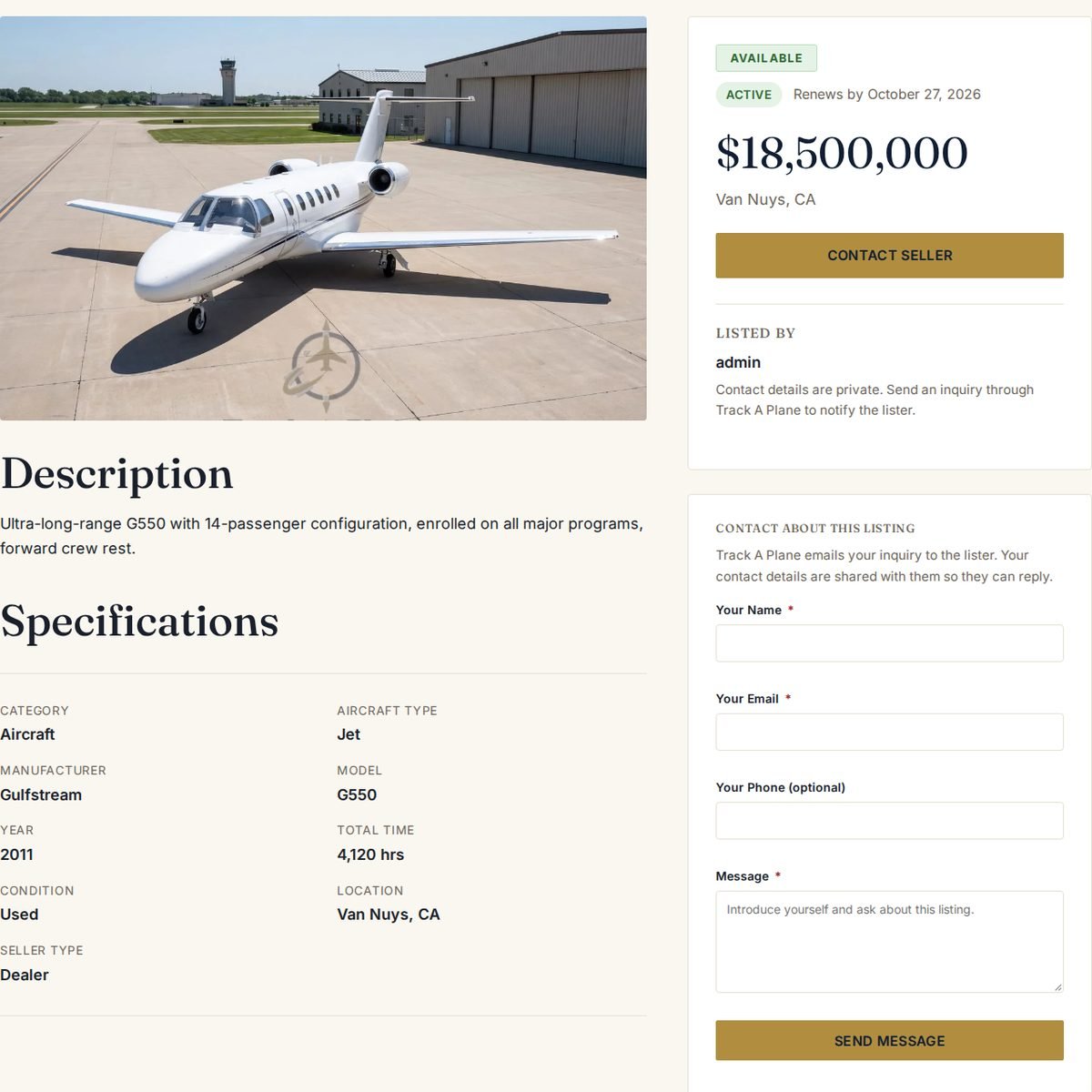
Send an inquiry or a parts quote request through the site.
Use the Contact About This Listing form on the listing (the Contact Seller button takes you to it). Track A Plane emails your inquiry to the lister, and your contact details are shared with them so they can reply to you.
Verify everything before any money changes hands.
Track A Plane does not take part in the sale. Before you pay:
Read Safety & Security for more tips, and use Report a Listing if something looks wrong.
Every listing follows the same eight steps. Here is what happens at each one, and which button to press.
Register, confirm your email and secure your account.
Press Register, enter your details and accept the Terms of Service and Privacy Policy. Then confirm your email address.
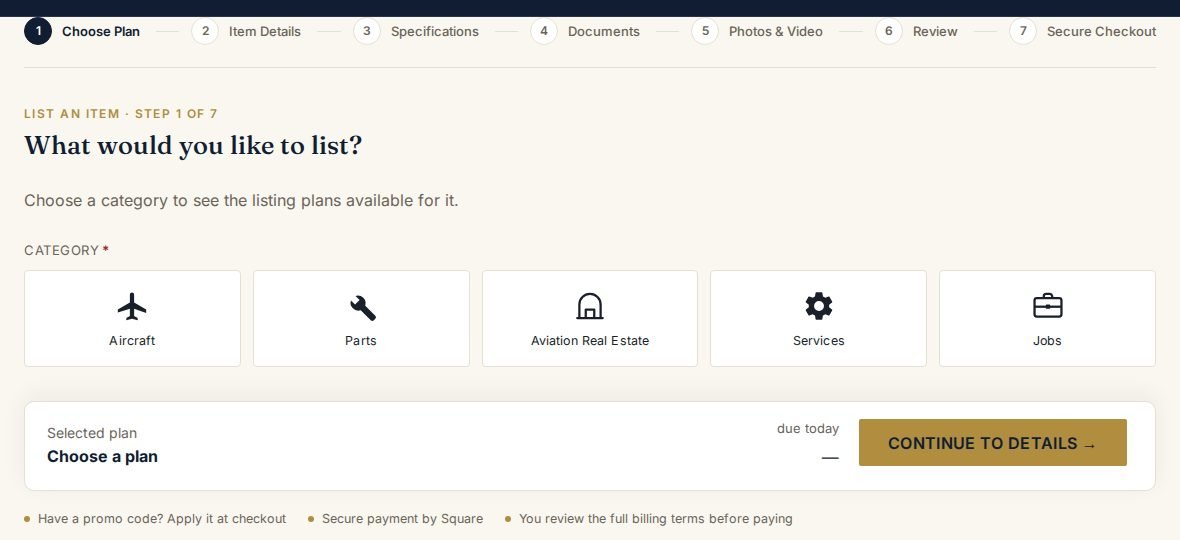
Press List an Item and pick a category.
Press List an Item and choose Aircraft, Parts, Aviation Real Estate, Services or Jobs.
A single listing, a dealer account or a parts inventory plan.
Pay 6 months, get 12
Always free: Services listing · Jobs listing · Aircraft Wanted request
Weekly add-ons for aircraft: Featured Aircraft $49.95 / week · Social Media Promotion $99 / week
Prices are shown in US dollars and are always current. The full plan details, allowances and billing terms are shown before you pay.
Details, specifications, documents, photos and video.
The wizard walks you through Item Details, Specifications, Documents, Photos & Video and Review. Fields marked with an asterisk (*) are required.
Secure checkout by Square. Free plans skip this step.
Paid plans are charged through Square’s secure checkout. You review the full billing terms before you pay.
Your invoice and, for 12-month plans, your service agreement are emailed to you and saved in My Profile → Purchased Services.
Our team checks every new listing before it goes live.
Buyers contact you through the site. You reply by email.
Your listing appears in Browse and on your public Seller Page. Copy your Seller Page link from My Profile to share it on your website, email signature or ads.
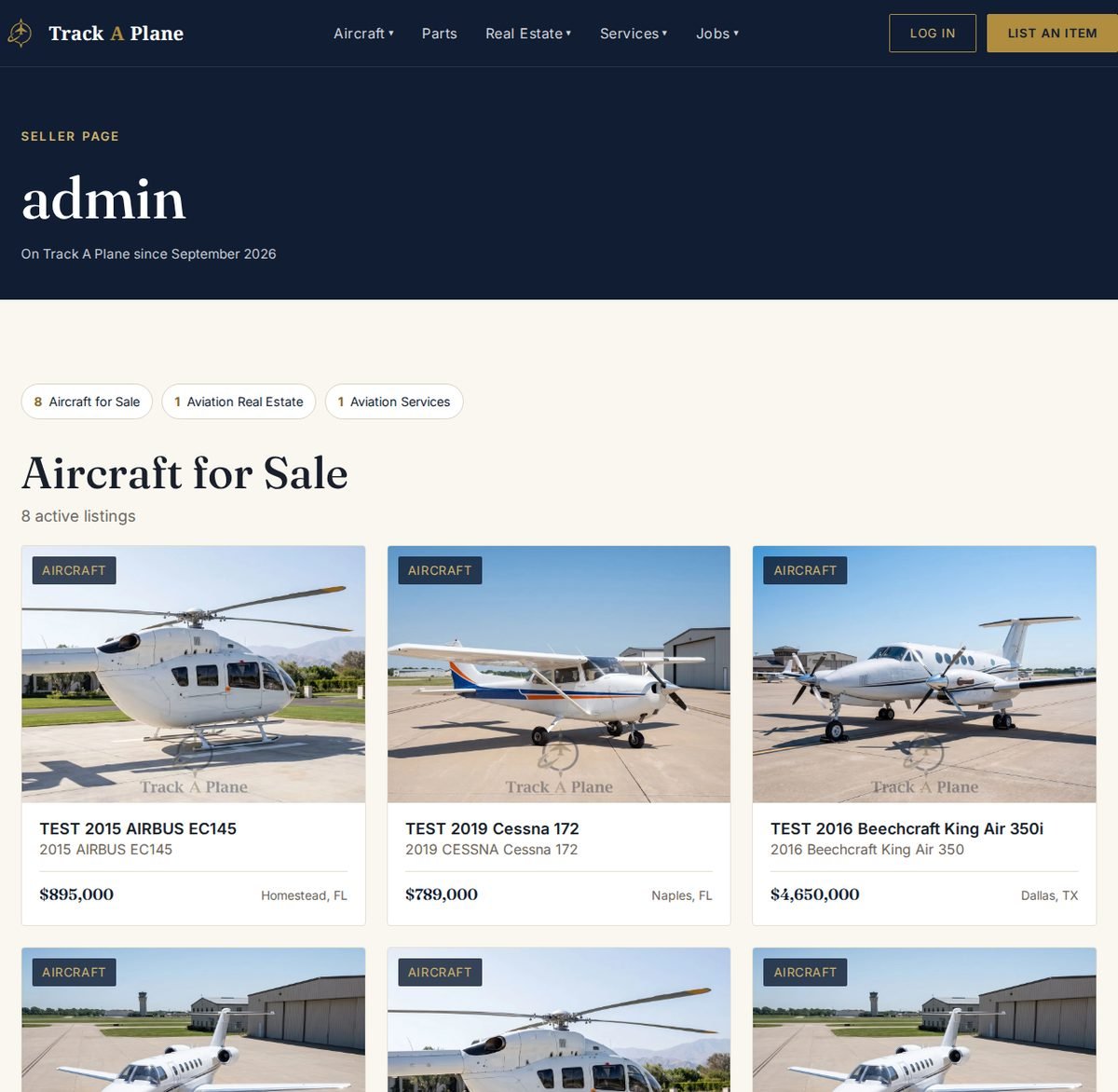
Everything happens in My Profile → My Listings.
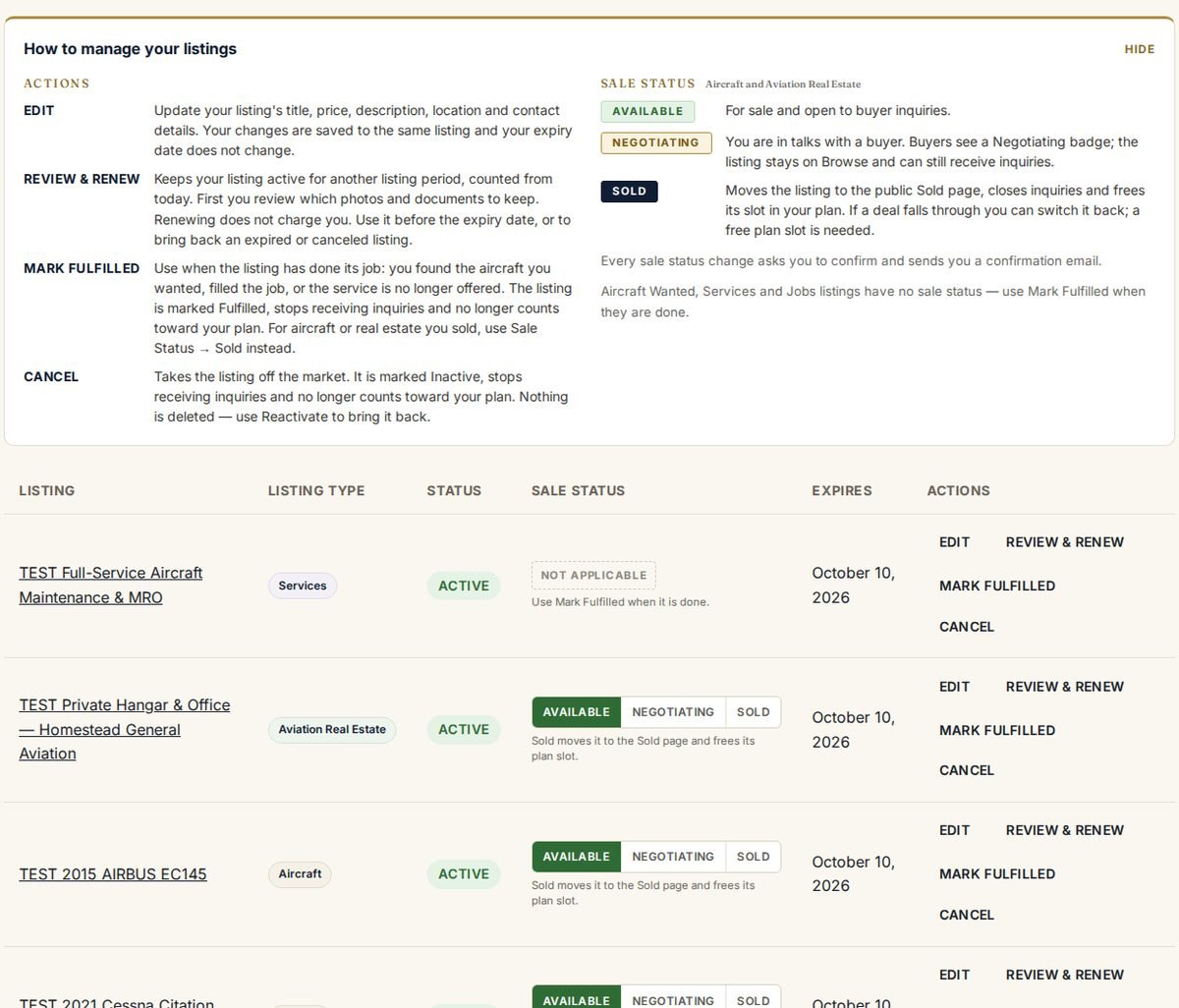
| When… | Press |
|---|---|
| I’m talking with a serious buyer | Sale Status → Negotiating |
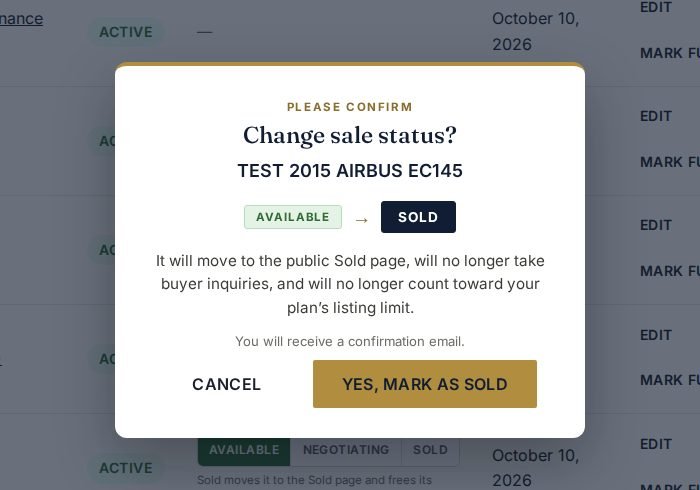
| My aircraft or property sold | Sale Status → Sold |
| I found my aircraft or filled the job | Mark Fulfilled |
| I want to pause or stop offering it | Cancel (Reactivate later) |
| My listing period is ending | Review & Renew |
Choose a category to see what to have ready, the steps, and what is good to know.
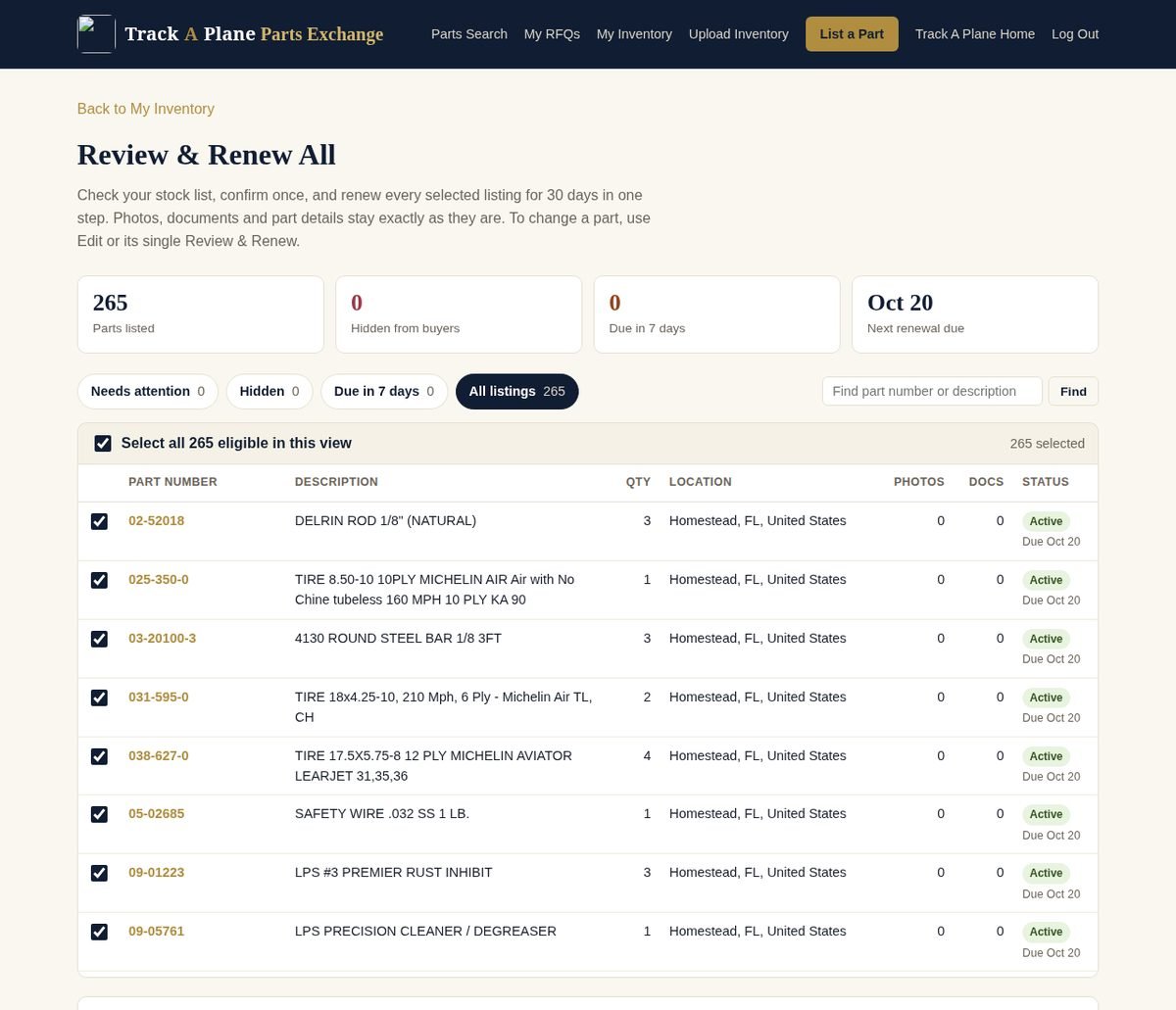
Everything you manage lives in My Profile.
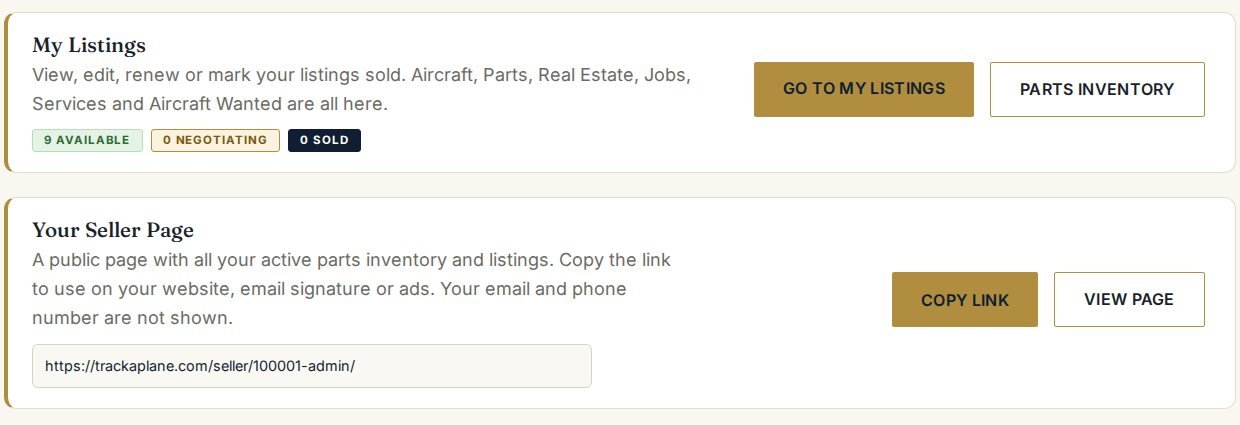
Sellers’ email addresses and phone numbers are not shown on listings. Inquiries are delivered through our contact forms.
Logbooks, records and resumes marked private open only for signed-in members.
Every new listing is checked by our team before it goes live.
Two-step verification, automatic sign-out after 15 minutes of inactivity, and secure checkout by Square.
Safety & Security · Listing Policies · Privacy Policy · Report a Listing
Each listing stays live for its listing period: 30 days on current plans, and 28 days for Aircraft Wanted. Use Review & Renew in My Listings to start a new period. Renewing does not charge you.
It shows as Pending Review in My Listings until our team approves it. Once approved, it goes live in Browse and on your Seller Page.
Open My Listings, read what needs correcting, and press Edit & Resubmit. The same listing goes back for review, with no new listing and no new charge.
No. Your contact details are not shown on your listings. Buyers contact you through the site, and each inquiry arrives by email with the buyer’s details so you can reply.
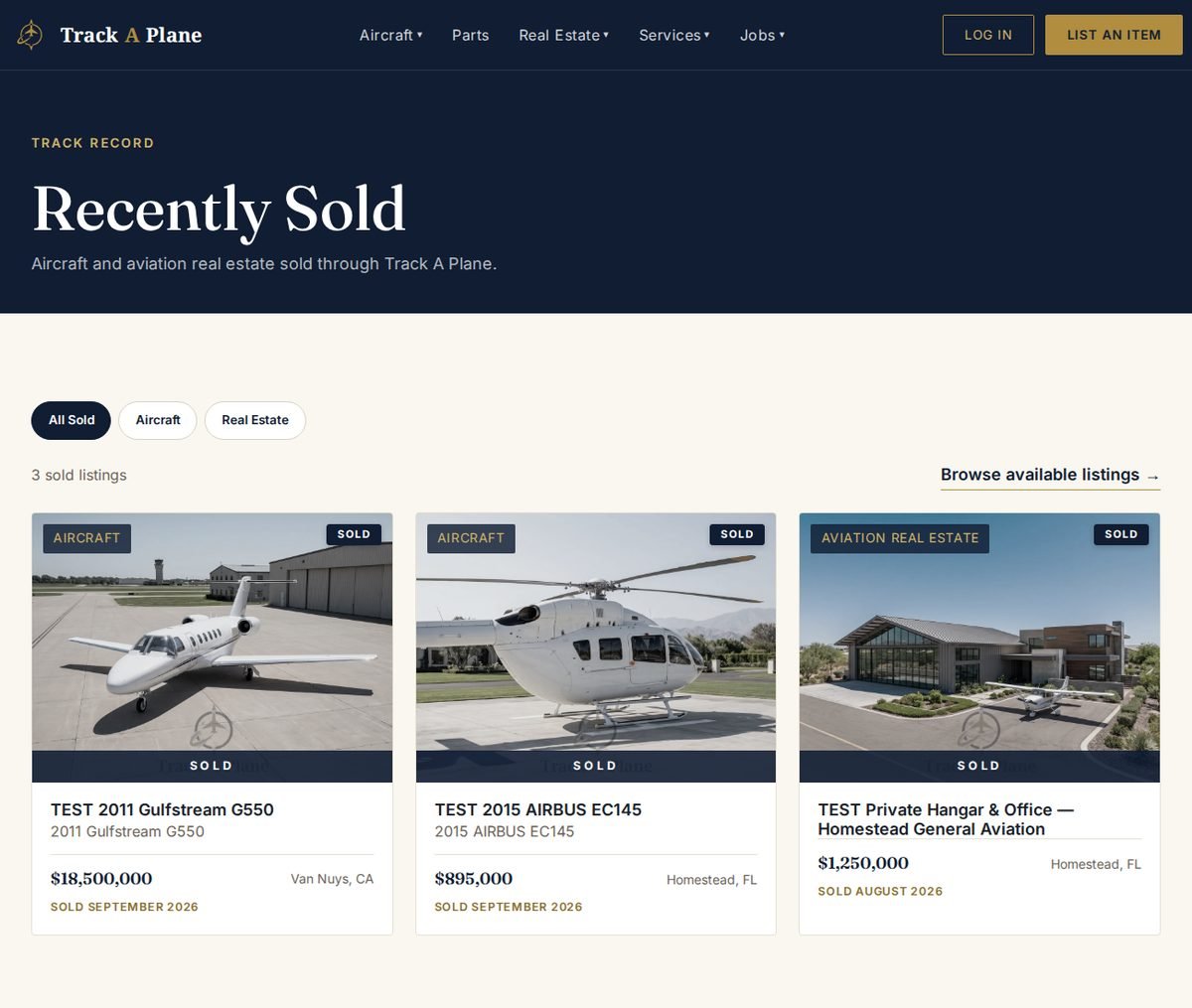
Sold is for aircraft and real estate you sold. It moves the listing to the Recently Sold page. Mark Fulfilled is for a listing that did its job, such as a filled job or a found aircraft. Cancel takes a listing off the market so you can reactivate it later. All three close inquiries and free the plan slot.
Yes. A sold listing no longer counts toward your plan’s listing limit. If a deal falls through, you can switch it back to Available when you have a free slot.
Yes. Use Upgrade on your plan. Your current end date stays the same, and you pay only the price difference for the rest of your current billing month, or of your term if you paid ahead.
On eligible 12-month plans, you can pay for the year up front and receive free months. The current offer and savings are shown on the plan cards.
No. A quote request asks the vendor for price and availability. The vendor replies to you by email, and nothing is reserved until you agree terms with them.
In My Profile → Purchased Services. They are also emailed to you when you purchase a plan.
Browse the marketplace, list your first item, or ask us anything.